
Brew Crew Points
Our thank-you for shopping with us
Every dollar you spend online earns you money off your next order. Here’s how it works, step by step.
- 1 point for every $1 you spend on products online (shipping doesn’t count)
- 200 free points when you create an account
- 200 points for each product review we publish
- 200 points = $5 off a future order
- Your points last 12 months from the last time you earn or use any
- Points are for online orders only (not in the Mansfield shop)
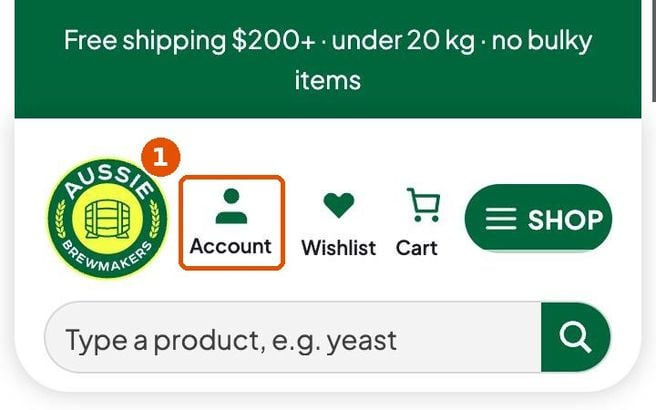
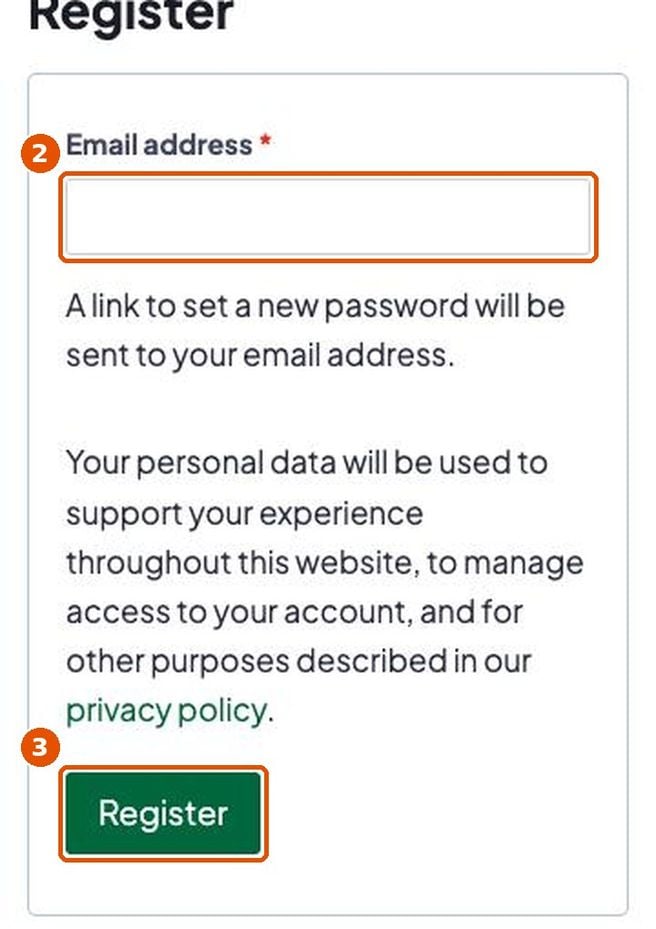
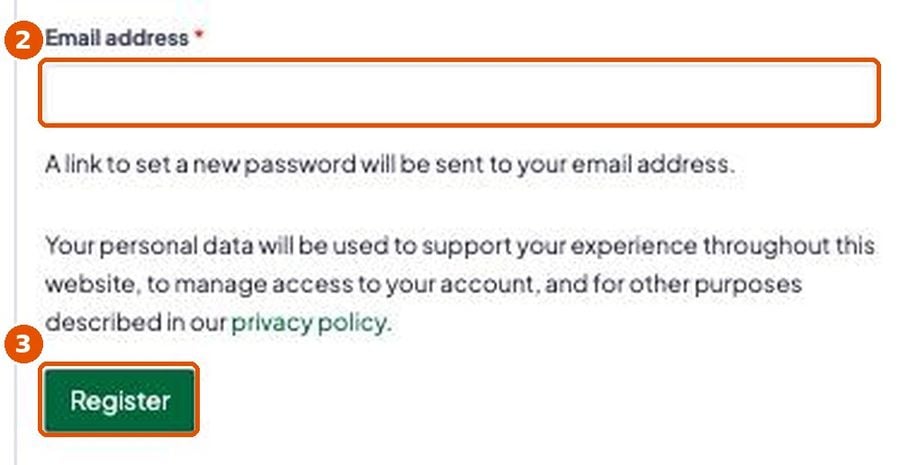
1. Join (free)
Already have an account with us? You’re already in. Skip to part 2.

2. Earn and check your points
- Always log in before you shop. Points are only added to orders placed while logged in.
- Before you pay, checkout shows how many points the order will earn.
- Points appear in your account once we start packing your order.
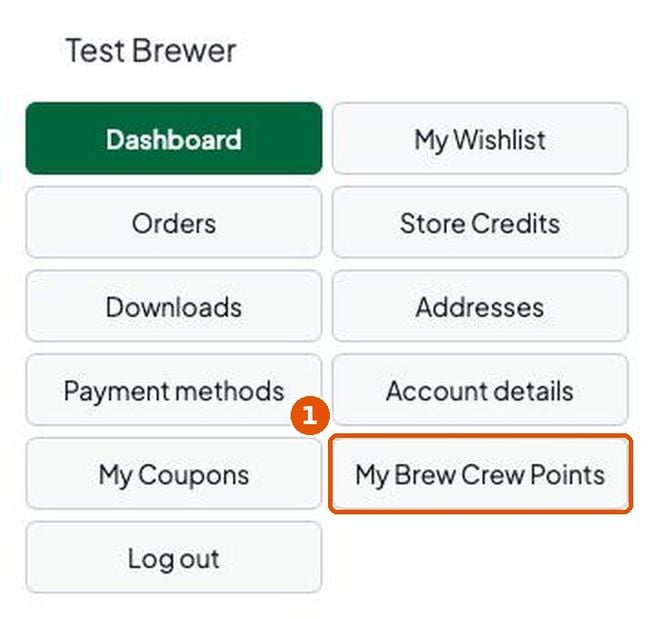
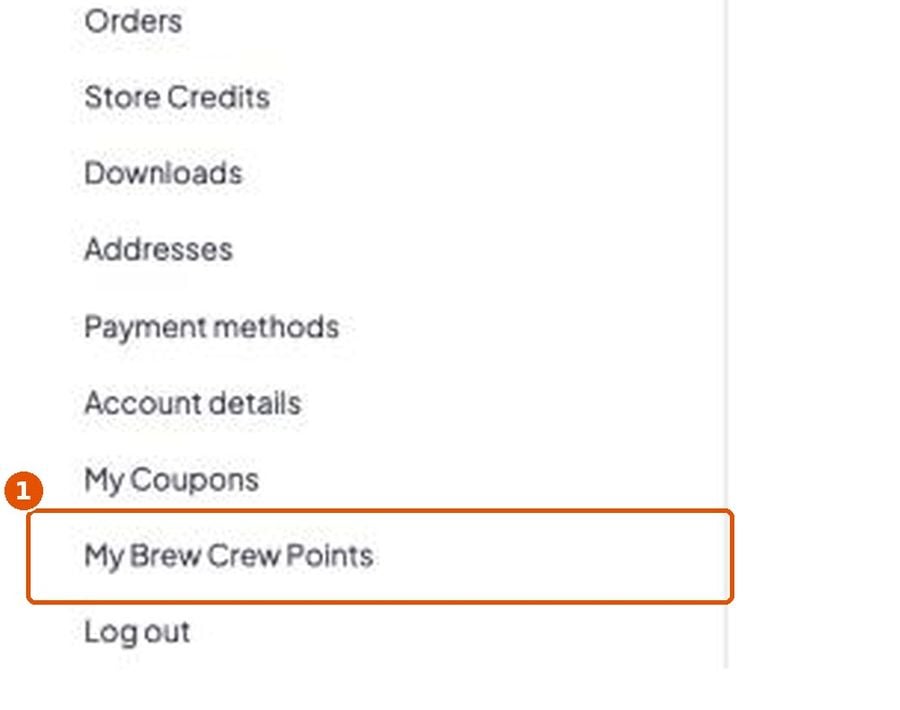
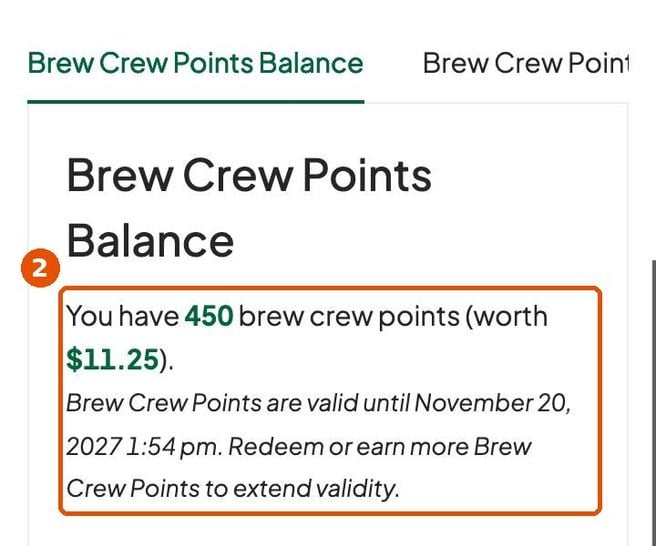
3. Turn your points into money off
You need at least 200 points. Points become store credit, which works like money in your Aussie Brewmakers account.
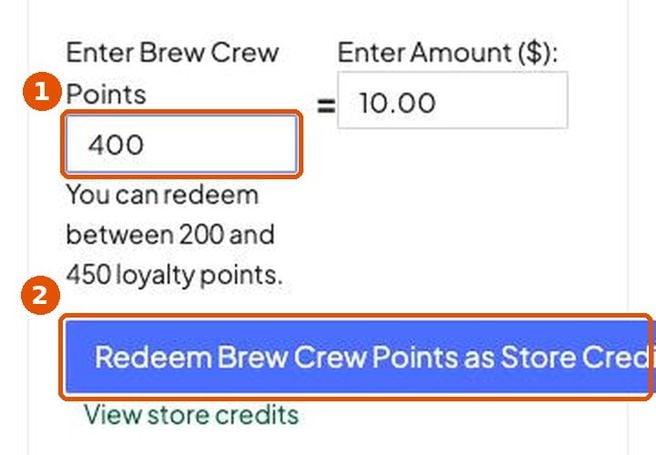
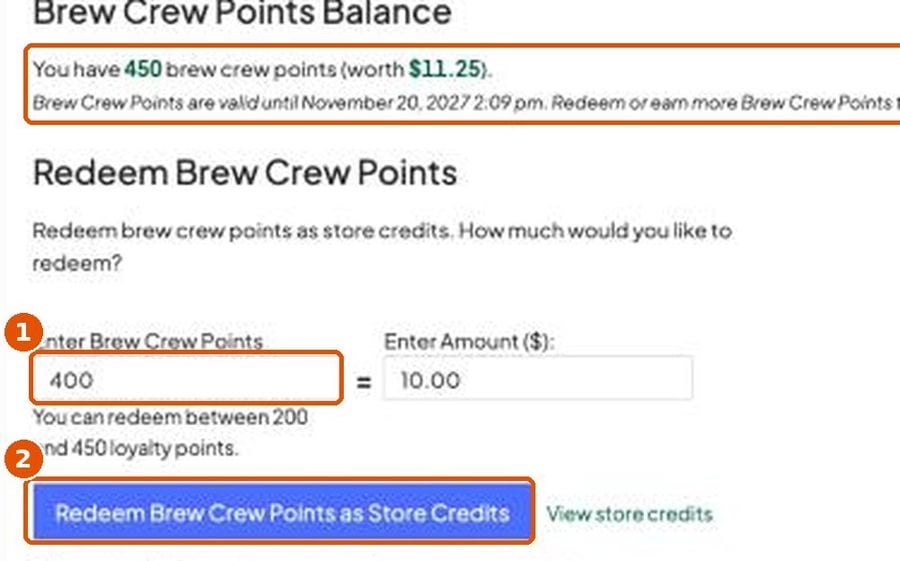
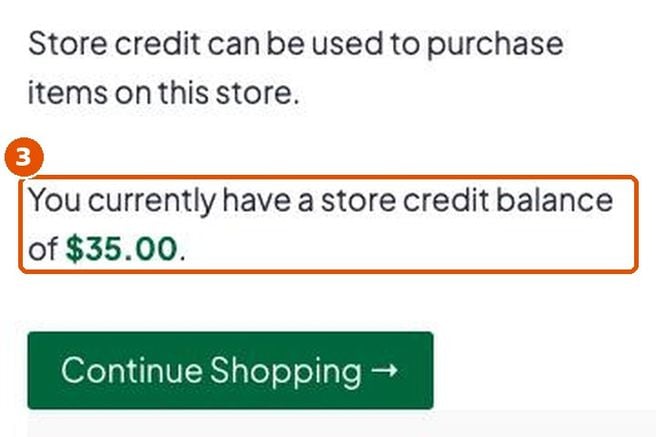
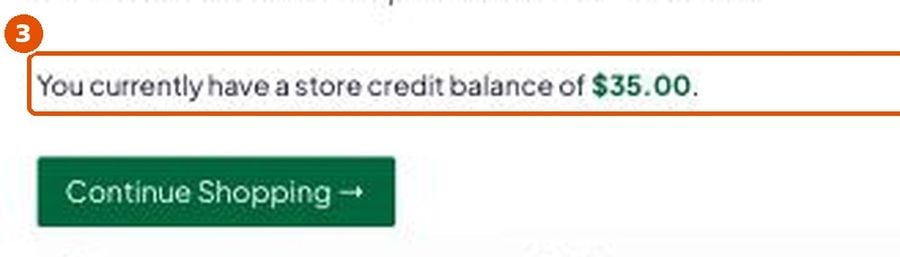
4. Spend your store credit at checkout
This works for all store credit: from points, a refund or a gift. Make sure you’re logged in, add your items to the cart and go to checkout. Scroll down to Your order. Under the Total you’ll see Apply store credit discounts? with your balance.
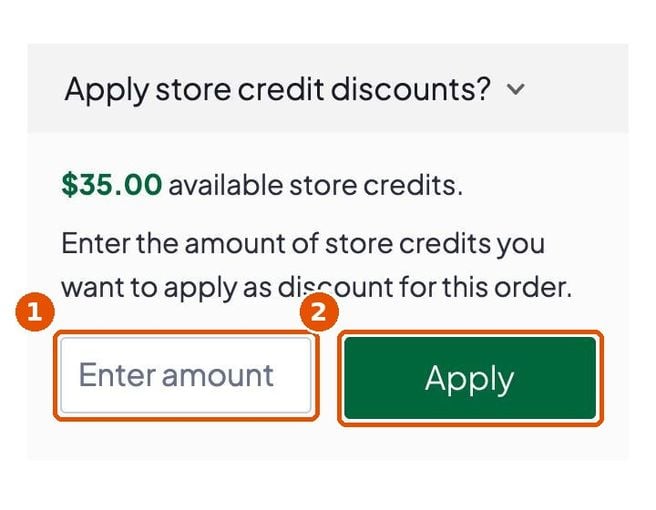
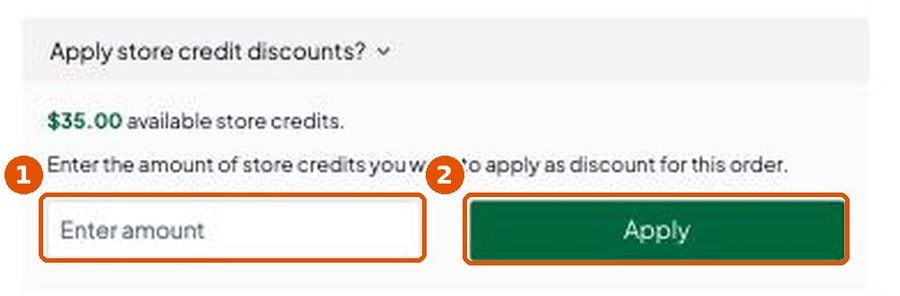
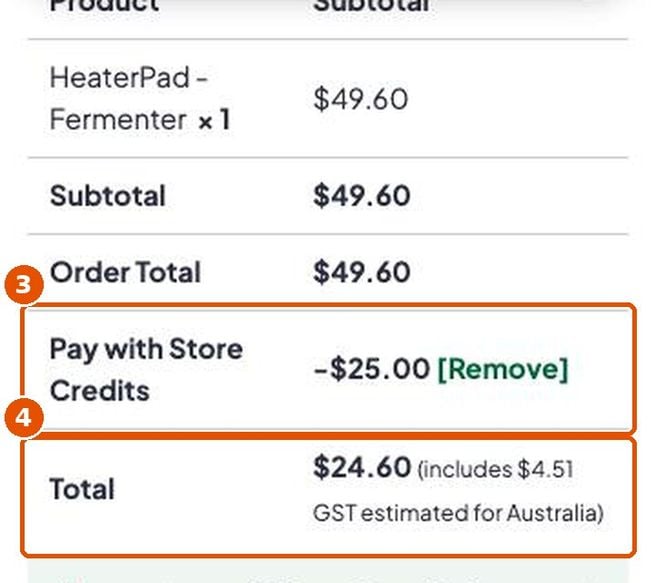
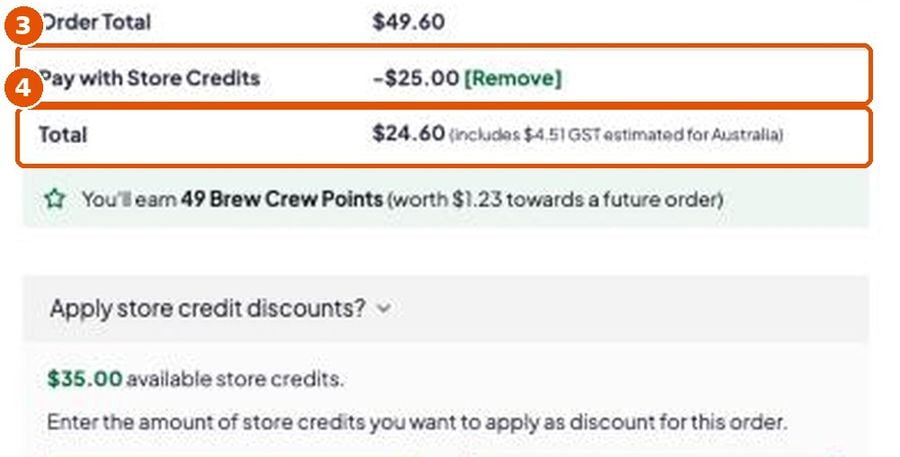
Tip: store credit is not a code. Don’t type it in the “Coupon or gift code” box.
Questions
Do I need to log in?
Yes. Points and store credit only work when you’re logged in.
Can I swap points for cash?
No. They can only be used as money off online orders.
Can I use points in the Mansfield shop?
No, points are for online orders only.
When do my points run out?
12 months after you last earned or used any points. The exact date is on your My Brew Crew Points page.
Need help?
Email [email protected] and we’ll help.
Programme rules
Enrolment in the Brew Crew Loyalty program is automatic when you register as a user on our website. If you are an existing registered user of our website prior to the launch of the program you will have been automatically enrolled. You cannot opt out of the Brew Crew Loyalty Program as the functionality is embedded in the Registered User data on our website.
Aussie Brewmakers retains the right to amend or cancel the Brew Crew Loyalty Program at its discretion subject to the following conditions:
- If we amend the minimum redemption point threshold we will provide all registered users a minimum of 30 days notice via email prior to executing the amendment
- If we cancel the Brew Crew Loyalty Program we will provide all registered users a minimum of 30 days notice via email so they have an opportunity to redeem accumulated points prior to the program cancellation.
- If we amend the Brew Crew Point earn ratio per dollar spend no notice period will be provided and the amendment will be effective immediately.
